CloudXena

OneDrive Duplicate File Remover

Metadata-Driven Tool to Scan and Remove Duplicate Files

Rated ( 4.9/5 ) by 655 Users

CloudXena OneDrive Duplicate File Remover tackles duplicate files in OneDrive head-on. It finds, analyzes, and deletes duplicates fast, no matter how many accounts you’re dealing with. You get speed, accuracy, and top-tier security, all in one package. If you want to free up storage, tidy up messy folders, or make team projects run smoother, this tool gets the job done without any hassle. It’s built for business, but it’s easy enough for anyone to use.

  • Detect and remove duplicate files across single or multiple OneDrive accounts.
  • Smart scan engine identifies duplicates by content, not just by name.
  • Analyse storage usage and preview all duplicates before deletion.
  • Supports impersonation for multi-user or enterprise environments.
  • Works efficiently on both Windows and macOS systems.
product-box

Key Features of CloudXena OneDrive Duplicate Remover Software

A powerful cloud-optimisation utility to clean, organise, and streamline OneDrive storage for individuals, teams, and large enterprises.

Find Duplicates Across Multiple Accounts

Find Duplicates Across Multiple Accounts

Scan several OneDrive accounts at once using the impersonation option. This setup works great for businesses or IT teams juggling lots of users, making sure every department keeps things tidy and organized.

Advanced Auto-Detection Technology

Advanced Auto-Detection Technology

The smart detection engine digs deep, analyzing file content and scanning through every folder and subfolder. It catches duplicates no matter the file type: documents, images, videos, you name it.

Impersonation Support for Admins

Impersonation Support for Admins

Admins can take control by assigning impersonation rights, letting you manage and delete duplicates in OneDrive without logging into each account separately. It’s a lifesaver for administrators, MSPs, and enterprise IT teams.

OneDrive Storage Summary & Insights

OneDrive Storage Summary & Insights

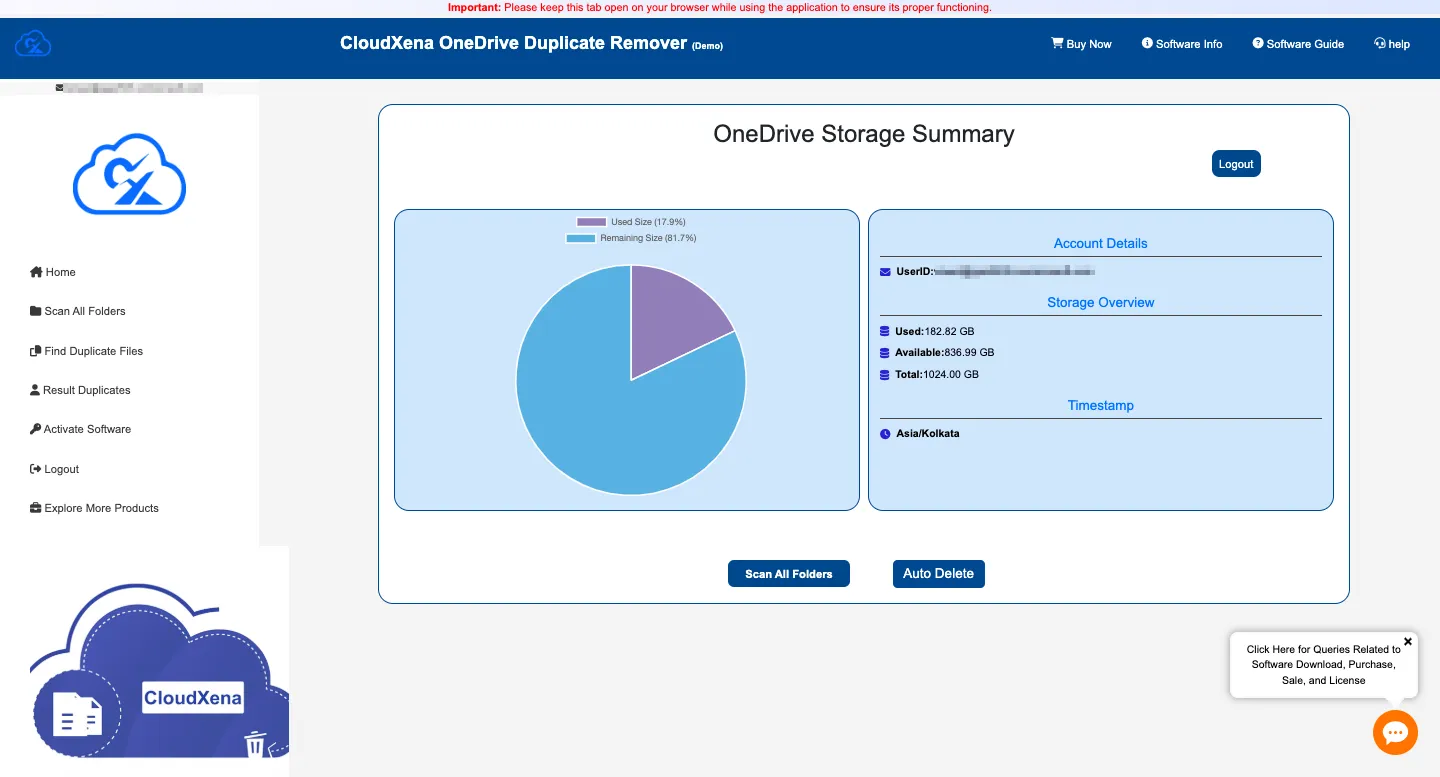
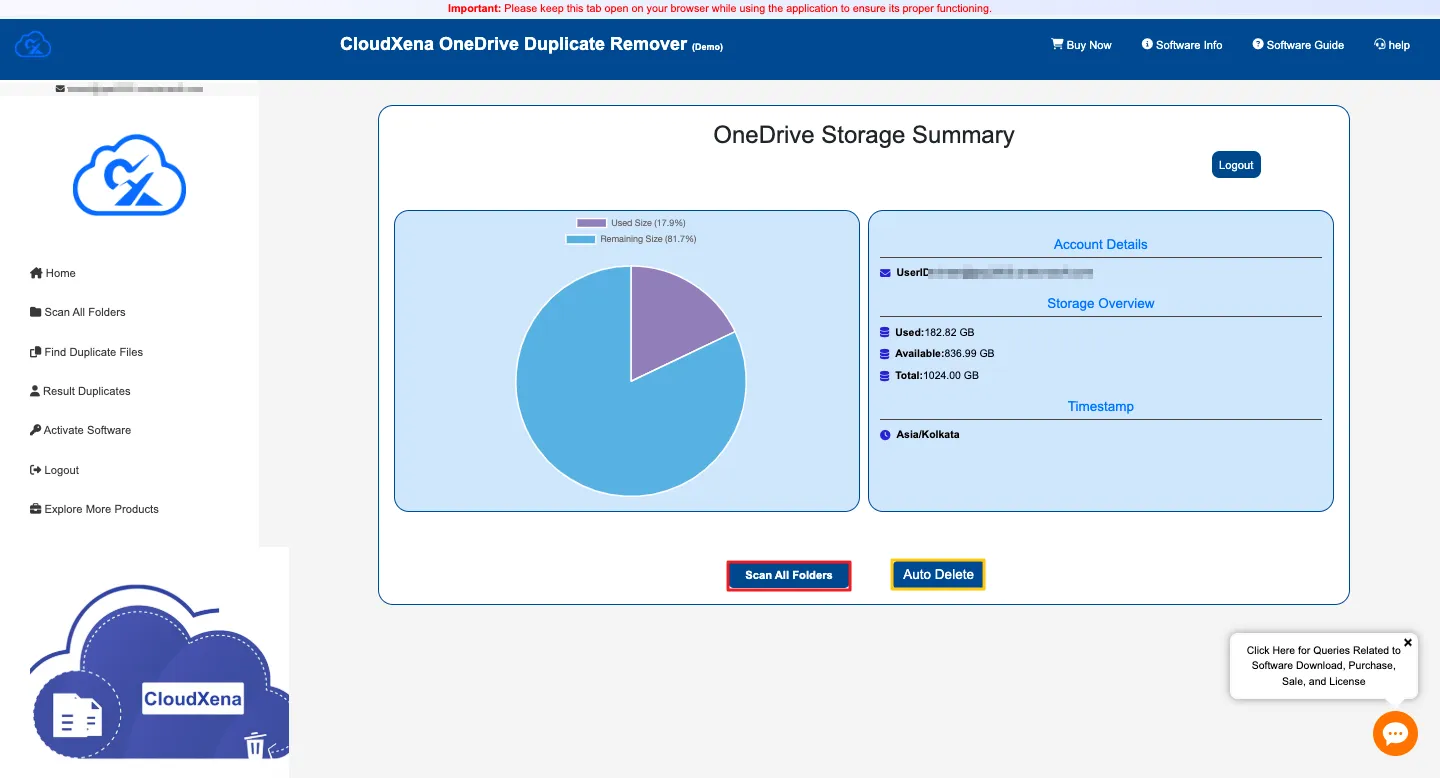
Get a real-time dashboard that lays out storage stats, used space, duplicate density, and where your files are sitting. It’s all there, so you can keep an eye on storage efficiency across the board.

Controlled Duplicate Removal

Controlled Duplicate Removal

Handle redundant files your way. Move duplicates to the Recycle Bin, wipe them out for good, or export a report before you clean up. Filters are fully customizable, so you’re always in control of what stays and what goes.

Custom Duplicate Removal Rules

Custom Duplicate Removal Rules

Set your own rules for finding duplicates, filter by file type, size, modified date, folder location, exact matches, or even partial matches. You can fine-tune everything to fit your needs and keep your data safe.

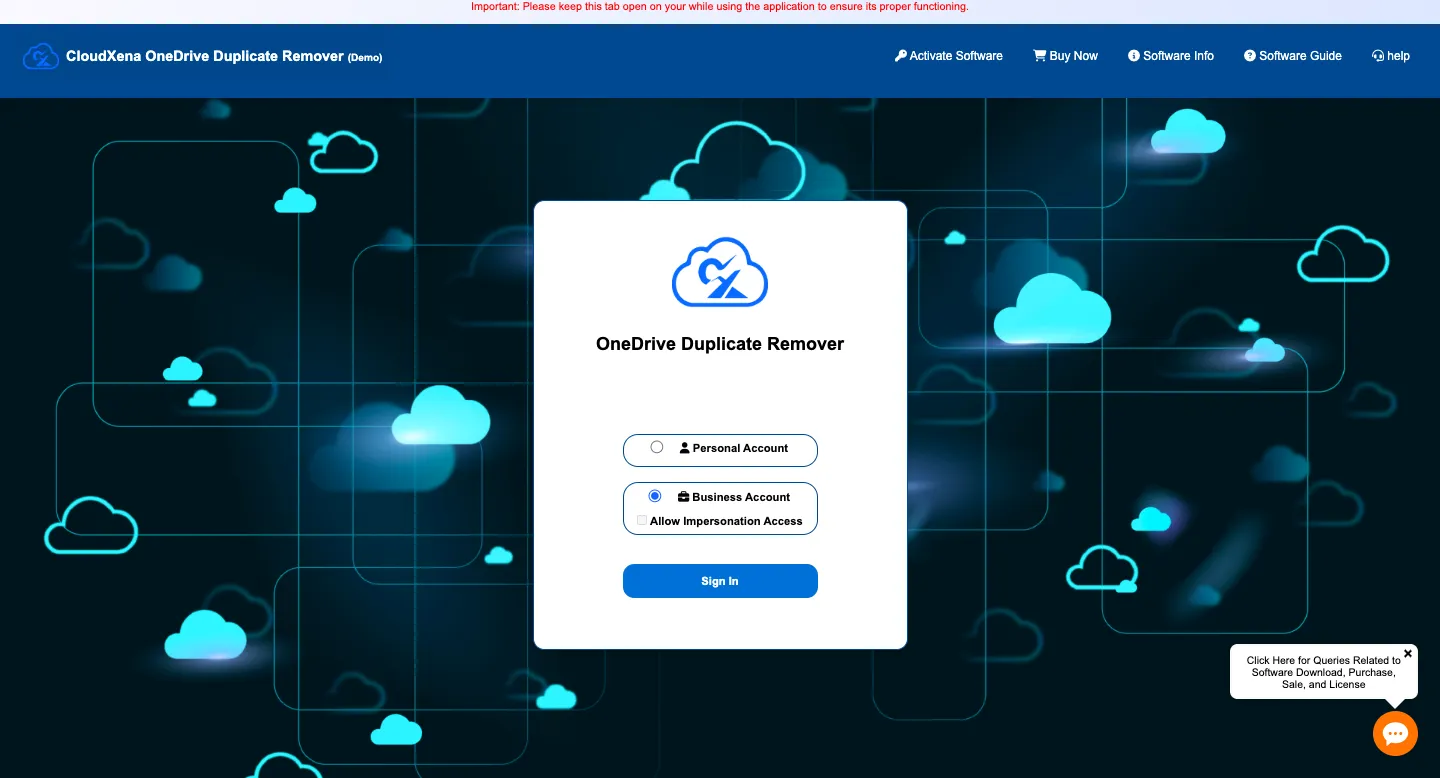
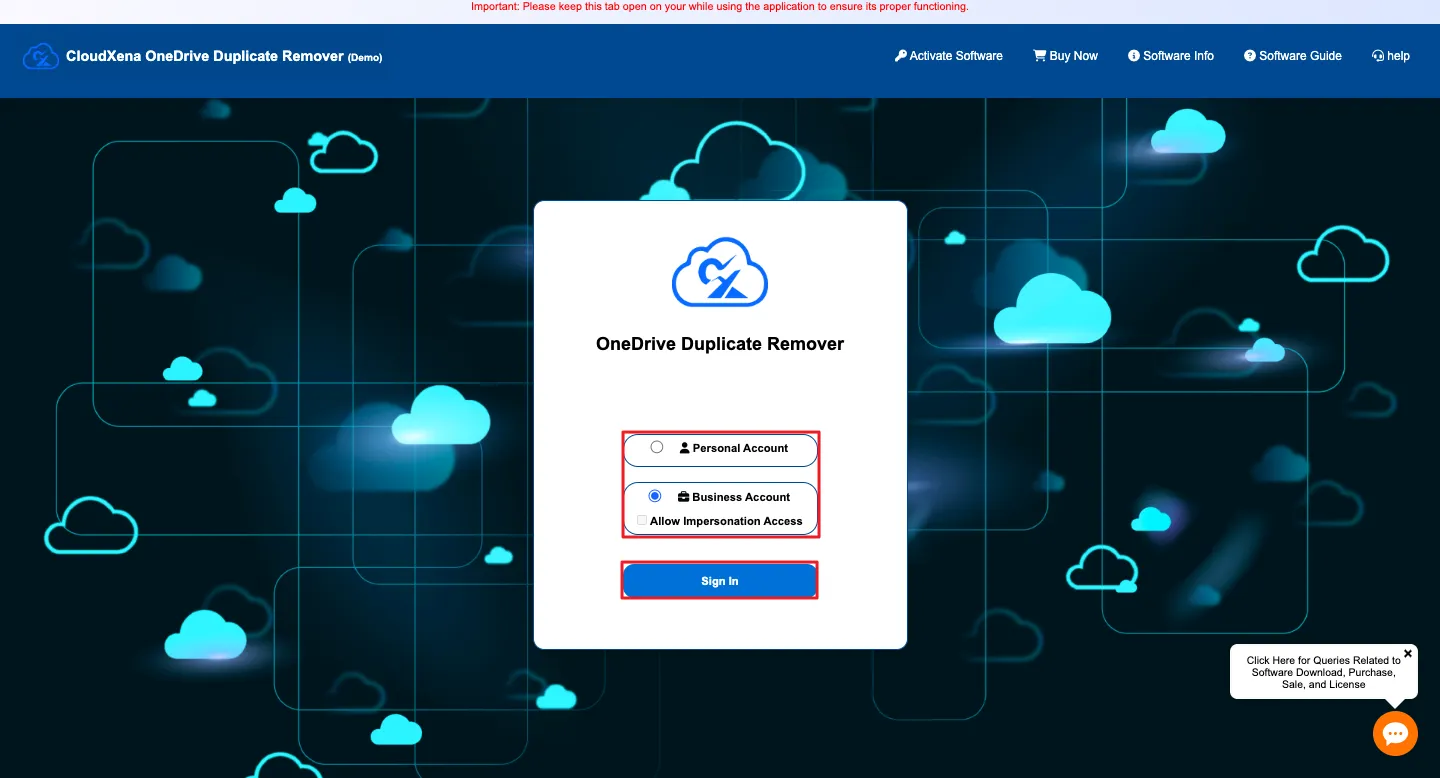
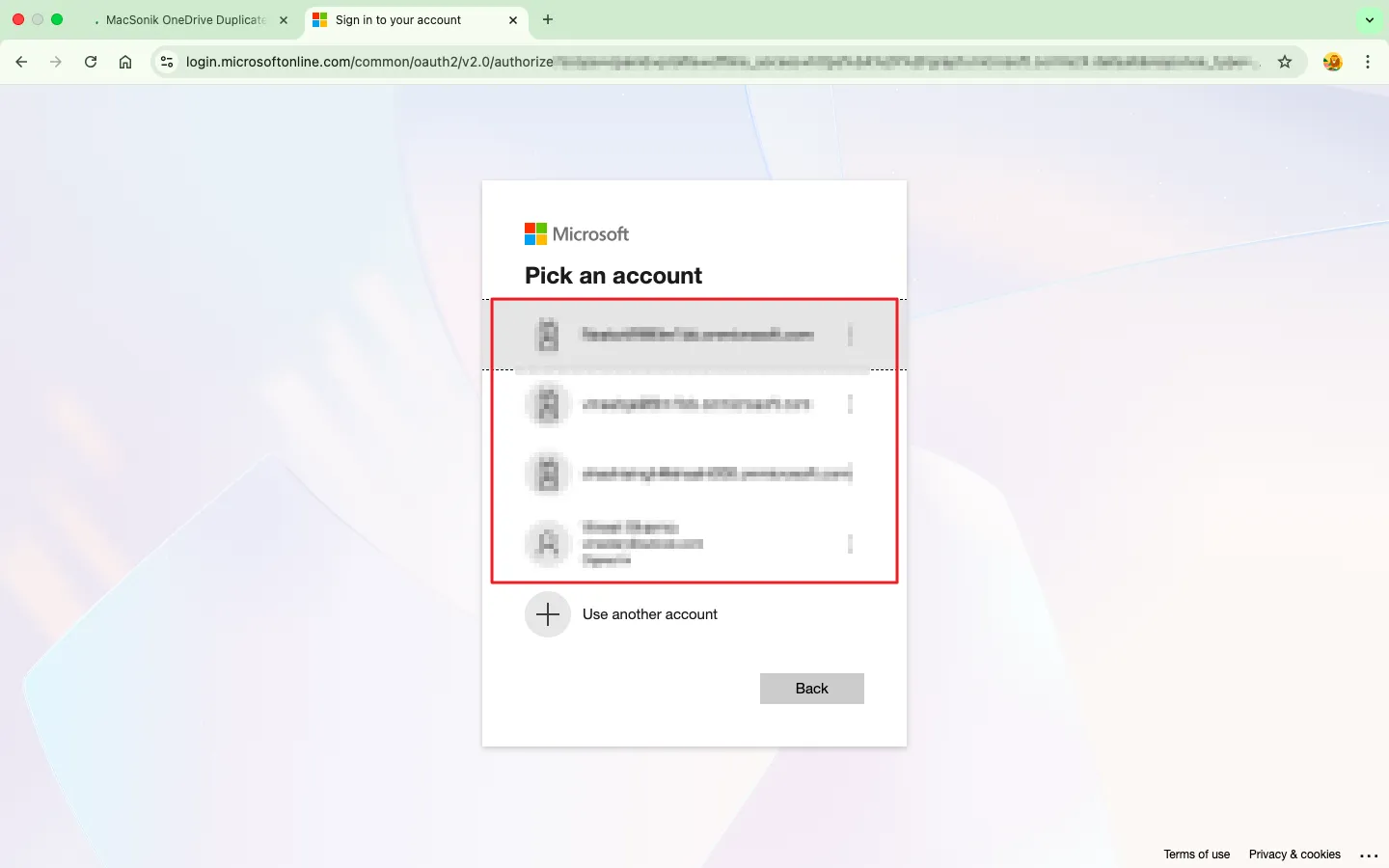
Secure login with Microsoft OAuth 2.0

Secure login with Microsoft OAuth 2.0

Sign in with Microsoft’s OAuth 2.0 for secure access. Your credentials stay private, never stored, so your data stays protected from start to finish.

Simple and clean user interface

Simple and clean user interface

Everything’s laid out in a smooth, user-friendly dashboard. Beginners and pros alike can jump in, spot duplicates fast, and handle cleanup with zero hassle.

Cross-Platform Compatibility for macOS and Windows

Cross-Platform Compatibility for macOS and Windows

CloudXena OneDrive Duplicate Remover works just as smoothly on macOS as it does on Windows. Fast scanning, easy cleanup, no matter what device you’re using.

Free Demo Access for Instant Exploration

Free Demo Access for Instant Exploration

Try it out for free. Scan your OneDrive for duplicates, test the main features, and preview your results. When you’re ready, upgrade to unlock full management and advanced cleanup tools.

Why Choose CloudXena OneDrive Duplicate File Finder?

Why Use OneDrive Duplicate File Finder and Remover?

OneDrive can turn into a mess pretty fast. When teams are working together, files get duplicated, someone uploads a new version, syncs from another device, or just drags in the same file twice. Cleaning up that mess by hand? It’s slow, easy to mess up, and just doesn’t work when you’re dealing with a ton of data.

OneDrive Duplicate Remover steps in and sorts it out. It finds duplicates with real accuracy, which makes sure you don’t lose anything important. You get more room to store what actually matters, teams can find what they need quicker, and you stop wasting money on storage you don’t need. Plus, your digital workspace finally feels tidy and easy to navigate.

If your business wants to automate OneDrive cleanup, stay compliant, and actually manage your data well, CloudXena is built for you.

How CloudXena Supports Different Businesses

CloudXena’s OneDrive Duplicate File Remover fits right in, no matter how big or small your business is.

  • Small Businesses: It clears out the mess of extra documents, old images, and random project files so your team spends less time digging and more time working.
  • Enterprises: Scan multiple accounts at once, sort out storage across departments, and use impersonation to make things even smoother.
  • Legal & Financial Firms: keep records accurate and compliant. No more duplicate case files or repeat client statements clogging things up.
  • IT Service Providers: handle massive cleanups during migrations or when bringing new clients on board. It’s fast, reliable, and doesn’t waste your team’s time.
  • Remote Teams & Freelancers: Spot duplicates in project folders, invoices, or deliverables and keep your OneDrive tidy without the headache.

Technical Specifications - CloudXena OneDrive Duplicate File Remover Download

Key --

Software: CloudXena Duplicate File Remover Tool

Version: 25.10

Size: 160 MB

License: S/A/E/T

Updates: September 2025

System Requirements --

Processor: Intel® Core™ i5-2400

Memory: 8 GB (Recommended)

Hard Disk: 256 GB Free Space

Operating System: Windows 11 / macOS 12 or later

Free Demo Version: Explore the Tool Before You Upgrade!

Scan your whole OneDrive for free. Preview duplicate it finds and get a clear look at your storage details. If you want more control, like deleting files or using smart filters, just upgrade to the full version whenever you’re ready. It’s a great way to test things out, see what you’re working with, and decide if you want to invest.

FAQ --

Ans- If yes, please, please temporarily disable your antivirus or whitelist the software for a smooth installation.
Ans- Please disable your antivirus or Windows Defender temporarily and allow access from its settings by adding our software to the exception list. If still blocking, then clear the browser cache and remove all the temporary files from the system.
Ans- Yes, it perfectly works on such storage technology as long as the file access is transparent, which is usually the case.

Testimonials

The World’s Trusted Choice: Real User Experiences

Using advanced content-based scanning, it instantly spots duplicate files across your drives. Preview, filter, and remove duplicates with precision—all through an intuitive interface.

Source Forge Slashdot Slashdot
CloudXena OneDrive Duplicate File Remover Free vs Full Version
Software Feature Demo Version Paid Version
Scan & Preview Duplicates
Multi-Account Scanning
Delete Duplicate Files
Move Duplicate Files to Bin from OneDrive
Permanently Delete Duplicate Files from OneDrive
Impersonation Support
OneDrive Storage Summary
24×7 Tech Support
Download Purchase Now

Choose Your Perfect Plan

Start with our free trial to test all features, then upgrade for unlimited conversions.
One-time purchase with lifetime updates - no recurring fees.

Single User License

$49

  • License Validity ( 1 Year )
  • Multiple System ( < 2)
  • 05 User Accounts
  • For Personal Use
  • Complete data privacy guaranteed—no files are accessed or saved during processing.
  • 24*7 Sales Support

Saving Options:

  • Audio, Video, Images, Documents, and Other Files
  • Scan Folders and Subfolders
  • Find and Remove Duplicates from Personal and Business Accounts
  • Delete Duplicates Permanently
  • Scan by Same Content
  • Move Duplicates to Bin
  • Business Account Impersonation Policy
Administrator License

$199

  • License Validity ( 2 Years)
  • Multiple System ( < 5)
  • 20 User Accounts
  • For Organization
  • Complete data privacy guaranteed—no files are accessed or saved during processing.
  • 24*7 Sales Support

Saving Options:

  • Audio, Video, Images, Documents, and Other Files
  • Scan Folders and Subfolders
  • Find and Remove Duplicates from Personal and Business Accounts
  • Delete Duplicates Permanently
  • Scan by Same Content
  • Move Duplicates to Bin
  • Business Account Impersonation Policy
Enterprise

$399

  • License Validity ( 5 Years )
  • Multiple System ( < 9)
  • 250 User Accounts
  • AMC Service Provider
  • Complete data privacy guaranteed—no files are accessed or saved during processing.
  • 24*7 Sales Support

Saving Options:

  • Audio, Video, Images, Documents, and Other Files
  • Scan Folders and Subfolders
  • Find and Remove Duplicates from Personal and Business Accounts
  • Delete Duplicates Permanently
  • Scan by Same Content
  • Move Duplicates to Bin
  • Business Account Impersonation Policy
Frequently Asked Question
Ans-Yes. CloudXena supports both account types and allows admins to manage multiple users through Impersonation Access.
Ans-No. CloudXena OneDrive Duplicate File Remover always seeks confirmation before deletion. You can choose data to Move to Bin or Delete Permanently.
Ans- No. Only duplicate copies are removed. Your original files and folder structure remain intact.
Ans- It scans your OneDrive account, detects duplicate files, and removes them to free space and improve organization.
Ans- The OneDrive Duplicate Remover checks metadata and file signatures to identify duplicates with high accuracy.
Ans- Yes. All detected duplicates are grouped and available for preview before taking action.
Ans- It allows admins to scan and manage multiple OneDrive accounts without needing individual user logins.
Ans- The demo allows scanning and previewing only. Deletion and advanced features require the full version.
Ans- CloudXena is faster, more accurate, and eliminates duplicates automatically, saving time and reducing risks.
Ans- Use the in-app Live Chat to get immediate assistance from the support team. The support team assists 24*7 and solves any issue related to your task.